
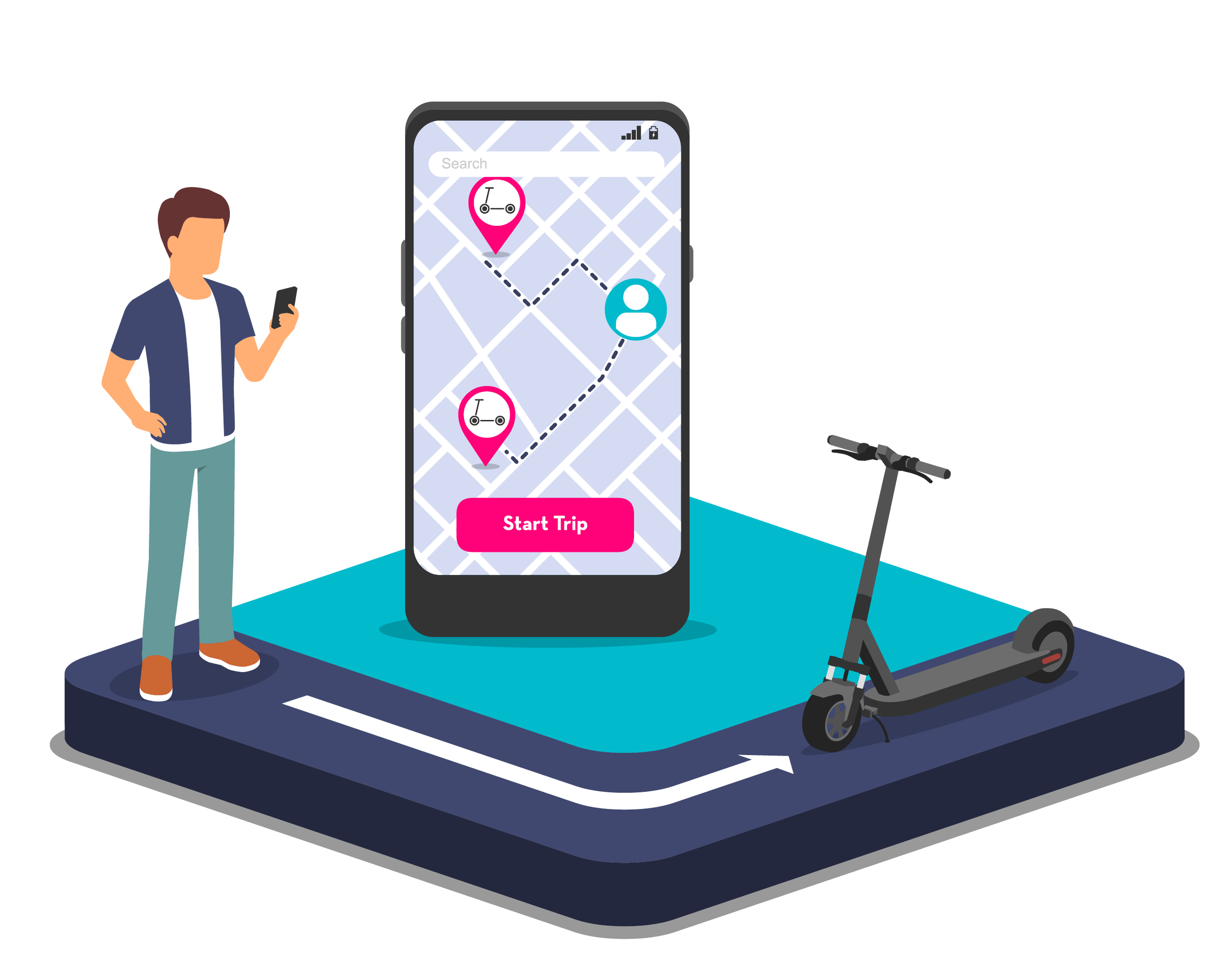
Illustration of a man using a smartphone with a map app, a scooter on a platform, and a large smartphone screen showing a trip route with start button.

How to Ride

Getting Started

Locate Your Ride

Download the Slidr app and find the nearest Slidr e-scooter.

Step One
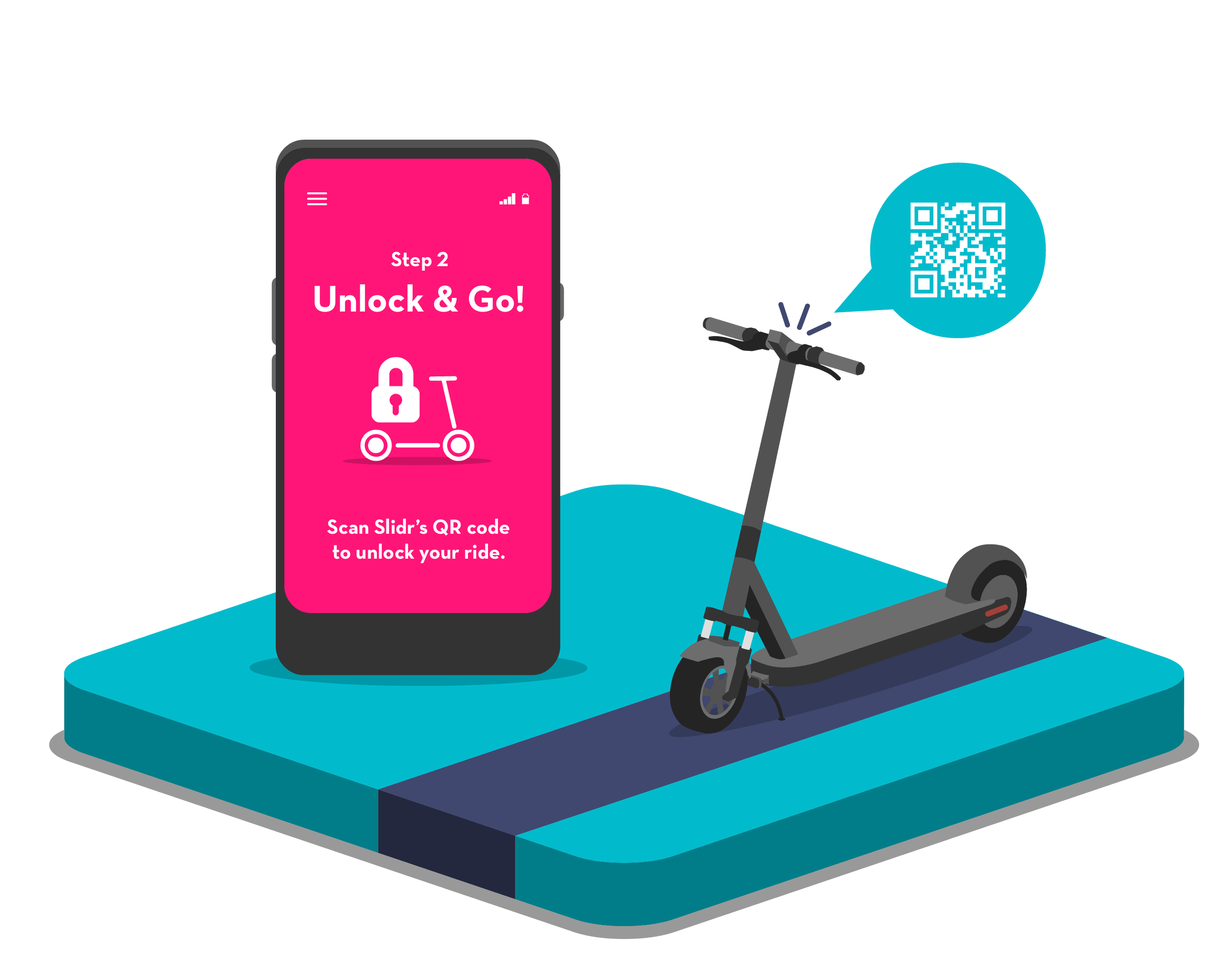
Smartphone displaying instructions to unlock a ride by scanning a QR code, positioned next to an electric scooter. The smartphone screen shows step 2: Unlock & Go! with a lock and scooter icon, and a message to scan Slider's QR code.

Unlock

Simply scan the QR code on the handlebar to unlock the e-scooter, then follow the instructions provided in the app.

Step Two
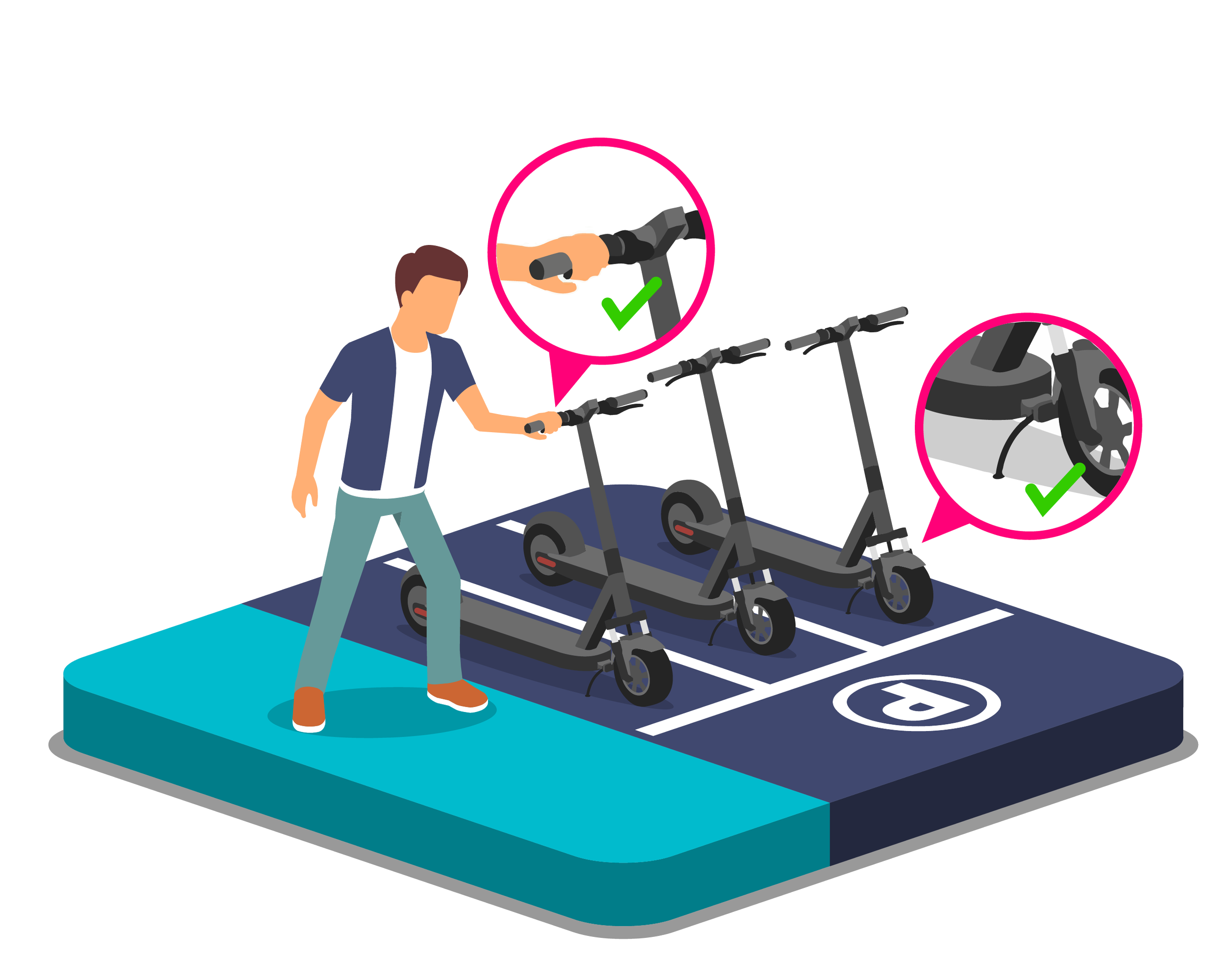
Illustration of a person walking towards two electric scooters on a parking lot platform, with close-up checks indicating proper handling of the scooter handlebar and charging port.

Safety Check

Before you start your ride, please ensure you check all equipment, including the brakes. Remember to wear a helmet for your safety.

Step Three

Illustration of a person riding an electric scooter on a digital 3D map, with insets showing the handlebar and folding mechanism of the scooter.

Start Your Ride

To start moving on the e-scooter, give it a gentle push-off with your foot and then press the 'Go' button.

Step Four
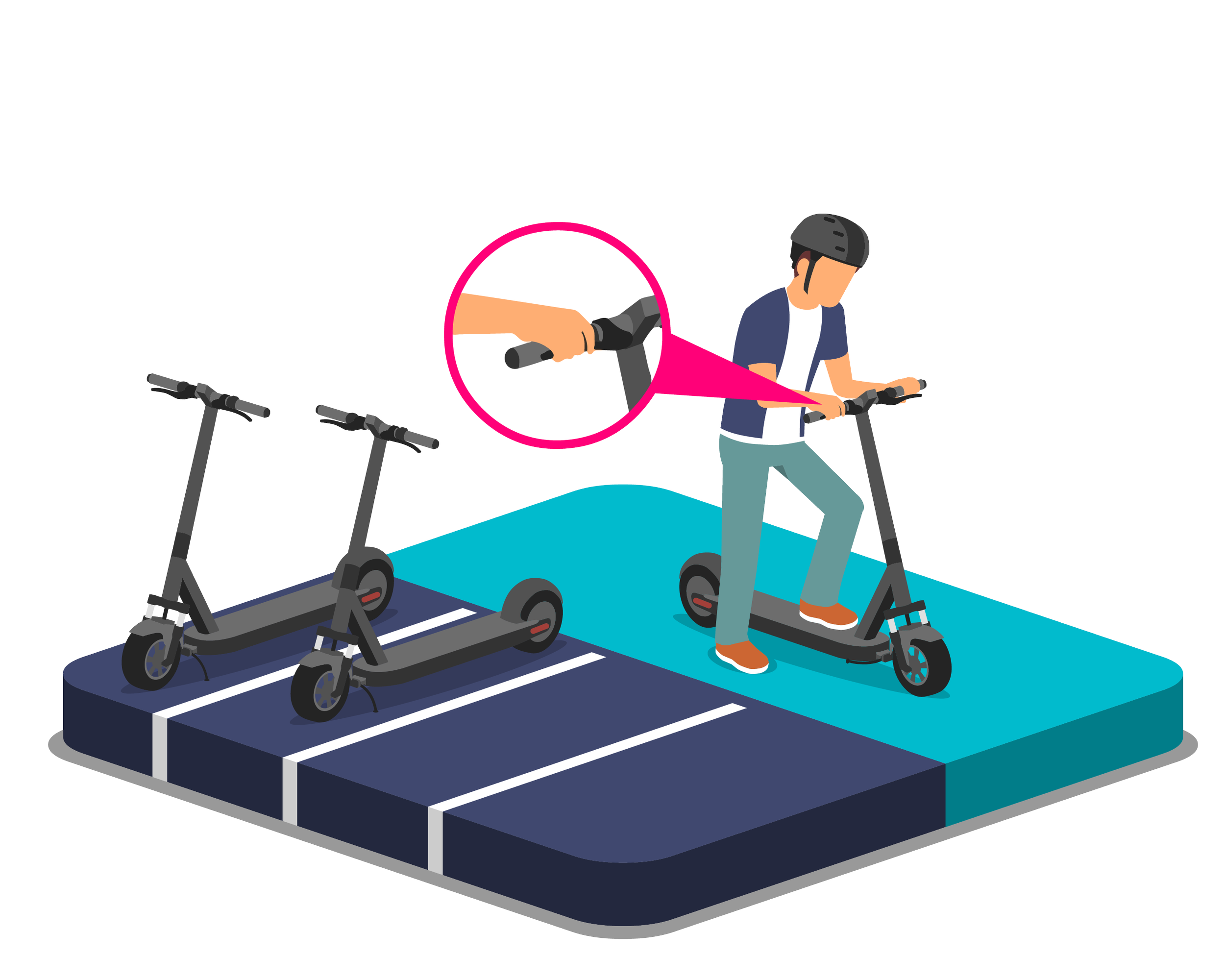
Person wearing a helmet riding an electric scooter on a blue platform, with two additional scooters parked nearby. A magnified inset shows a hand gripping the scooter's handlebar.

Slow Down & Stop

To slow down, release the 'Go' button gently, and to stop, pull firmly on the brake levers.

Step Five
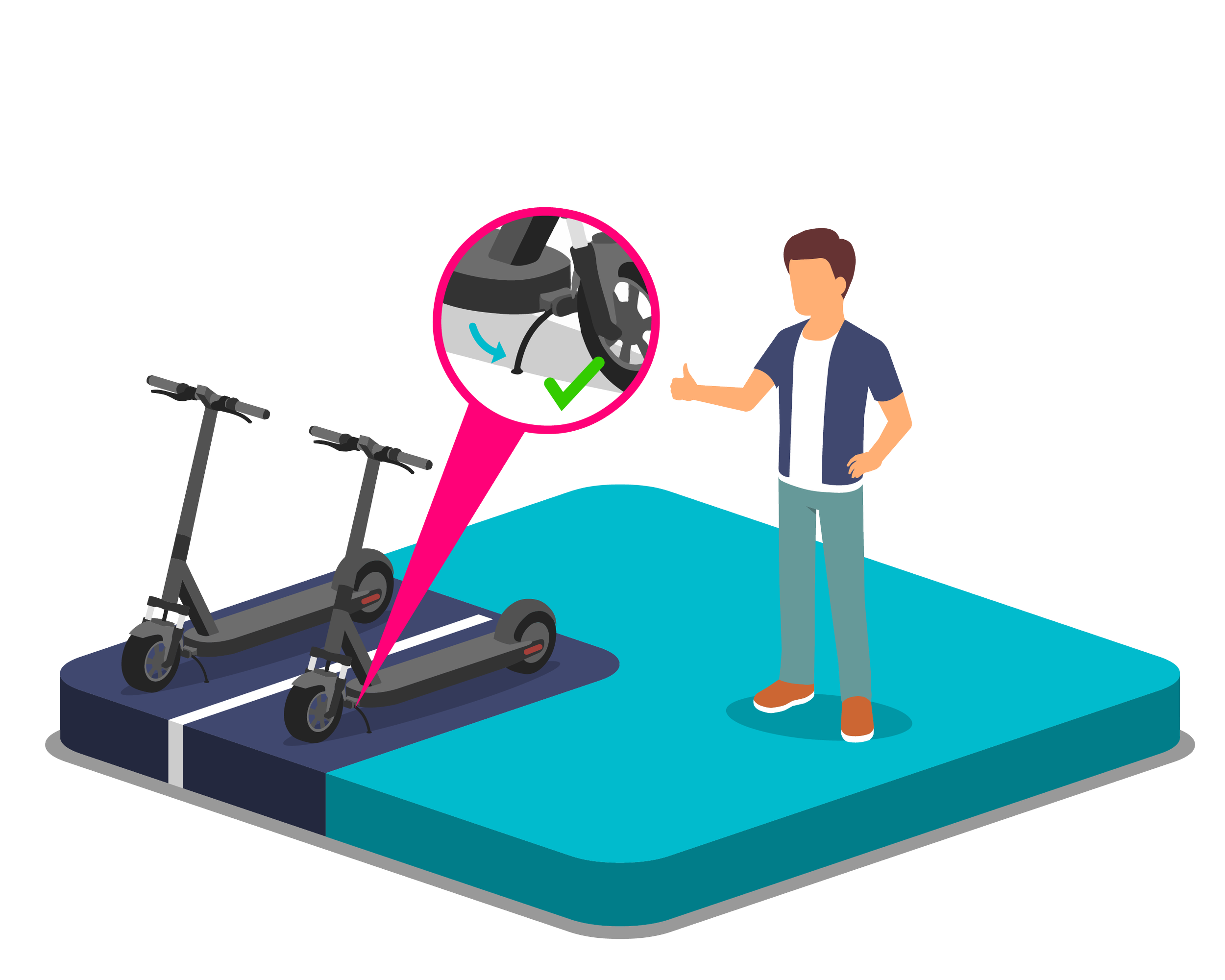
An illustration showing a person giving instructions on how to fold a foldable electric scooter, with a close-up of the folding mechanism and a thumbs-up gesture.

End Your Ride

To end your ride, park your e-scooter at a designated blue parking zone marked with a "P" in the app or at one of our Slidr charging stations.

Step Six

Ready to get started?

Provide a few quick details to book a live demonstration and learn more about how Slidr can improve your transit system.

Contact Us